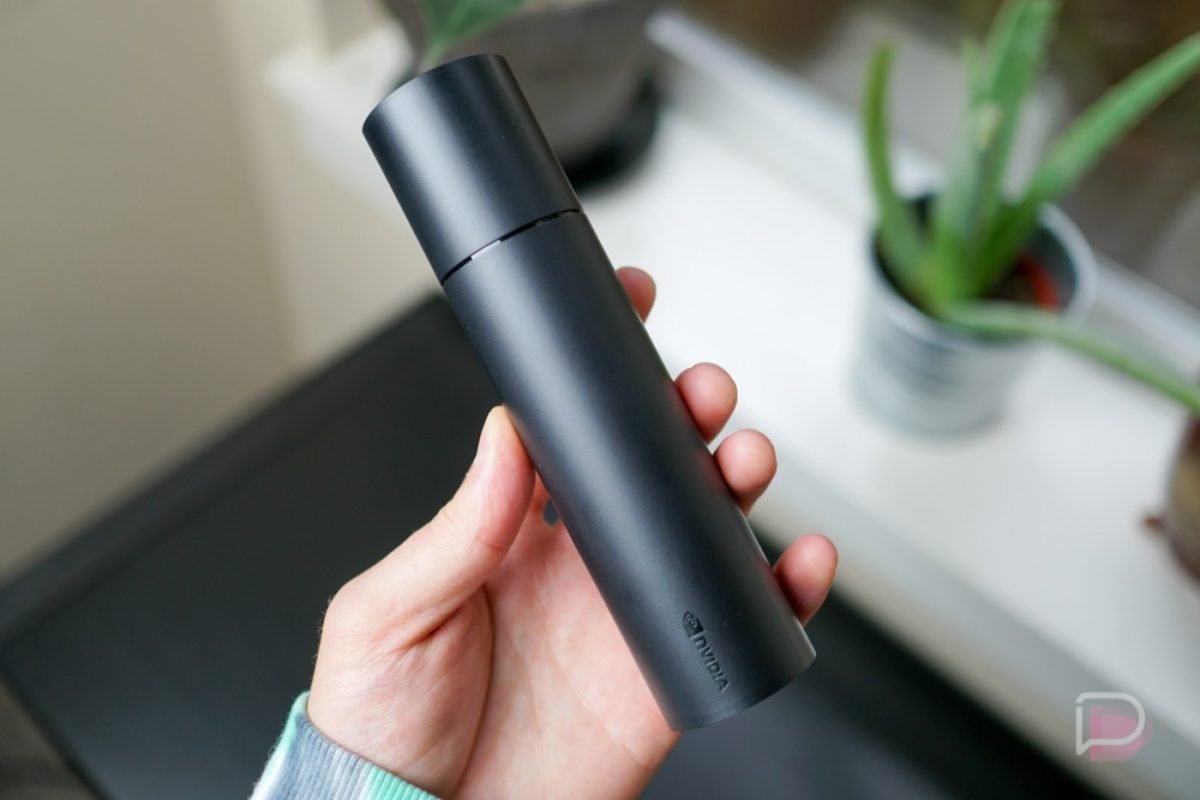
NVIDIA detailed a new SHIELD TV update this morning, labeled as Experience Upgrade 8.2.2. Inside, NVIDIA quite a few goodies, especially for those who are lucky enough to have a new next-gen console in their home.
As detailed by NVIDIA, the update brings support for Xbox Series X, S, and PlayStation 5 controllers. To get some real gaming done on SHIELD TV, all you’ll need to do is pair your Xbox or DualSense controller. To pair your Xbox controller, hold the pairing button until the Xbox button blinks and follow setup on your SHIELD TV. To pair the PS5 controller, hold PlayStation and Share/Clip button until light pulses blue. It’s a relatively straightforward process.
Also listed in the log is support for Control4 home automation systems, improved IR volume control behavior with SHIELD Remote 2019 with Denon receivers, the December security patch, as well as additional bug fixes.
NVIDIA continues to be the software update champs.
// NVIDIA