
The cast for Apple TV+ exclusive “Pachinko” has reportedly been finalized, with the sweeping international drama set to begin production at the end of October.
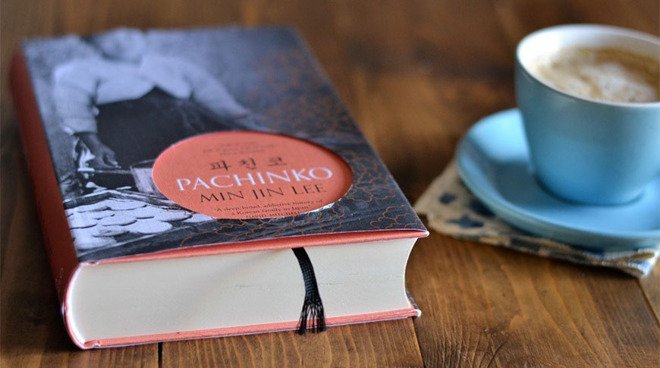 Adapted from Min Jin Lee’s novel “Pachinko,” the series is written and executive produced by Soo Hugh (AMC’s “The Terror”), who also serves as showrunner. Michael Ellenberg’s Media Res is adapting the big-budget show for Apple.According to Deadline, Media Res recently solidified the cast of “Pachinko,” which tells the story of four generations of a Korean immigrant family. The show takes place in multiple locations including Korea, Japan, and America, and will be told in Korean, Japanese and English.
 Read more…
Article First Apperared here