Android
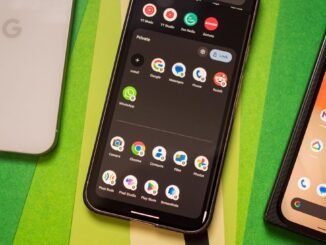
Creating a private space for your apps on a Pixel device is a great way to keep your personal information secure. Here’s how you can do it:To create a private space, go to your device’s settings and navigate to the “Security & location” section. From there, select “Lock screen preferences” and then choose “Secure lock settings.” You can then enable the option for “Secure lock screen,” which will require a PIN, password, or pattern to access certain apps.Once you have set up a secure lock screen, you can choose which apps you want to protect in your private space. Simply go to the “Apps” section in settings, select the app you want to protect, and enable the option for “Hide sensitive content.”By creating a private space for your apps on Pixel, you can have peace of mind knowing that your personal information is safe and secure.
Android, the most widely used operating system globally, has reached a level of maturity where annual releases are no longer as significant as they once were. Android 15 is a modest update overall, but it […]