Is it possible to replace the cloth head strap on the Meta Quest 3S?
Answer: Yes, you can easily replace the cloth head strap on the Meta Quest 3S with various first and third-party head straps. Many head straps designed for the Meta Quest 3 also work with the Meta Quest 3S.
When it comes to the Meta Quest 3S, it comes with a basic cloth head strap that can be adjusted using a loop-and-band system. While this strap makes it convenient to quickly put on and take off the headset, it does have some drawbacks.
Some users may find it uncomfortable for various reasons. Depending on the shape of your head, the strap may pinch your ears or put undue pressure on them. Additionally, the strap does not evenly distribute the weight, putting most of the pressure on your face. Since it is made of cloth, it can also absorb sweat, making it unsanitary to share with others, especially after intense VR sessions.
Fortunately, many top-quality head straps designed for the Meta Quest 3 are compatible with the Meta Quest 3S. Some companies are also working on creating specialized head straps for the Meta Quest 3S that do not feature the 3.5mm headphone jack slot on the right side, as the Quest 3S does not have this port. Even if you use a head strap meant for the Meta Quest 3 that includes a slot for the 3.5mm port, it will still fit the Meta Quest 3S due to their identical side rail design.
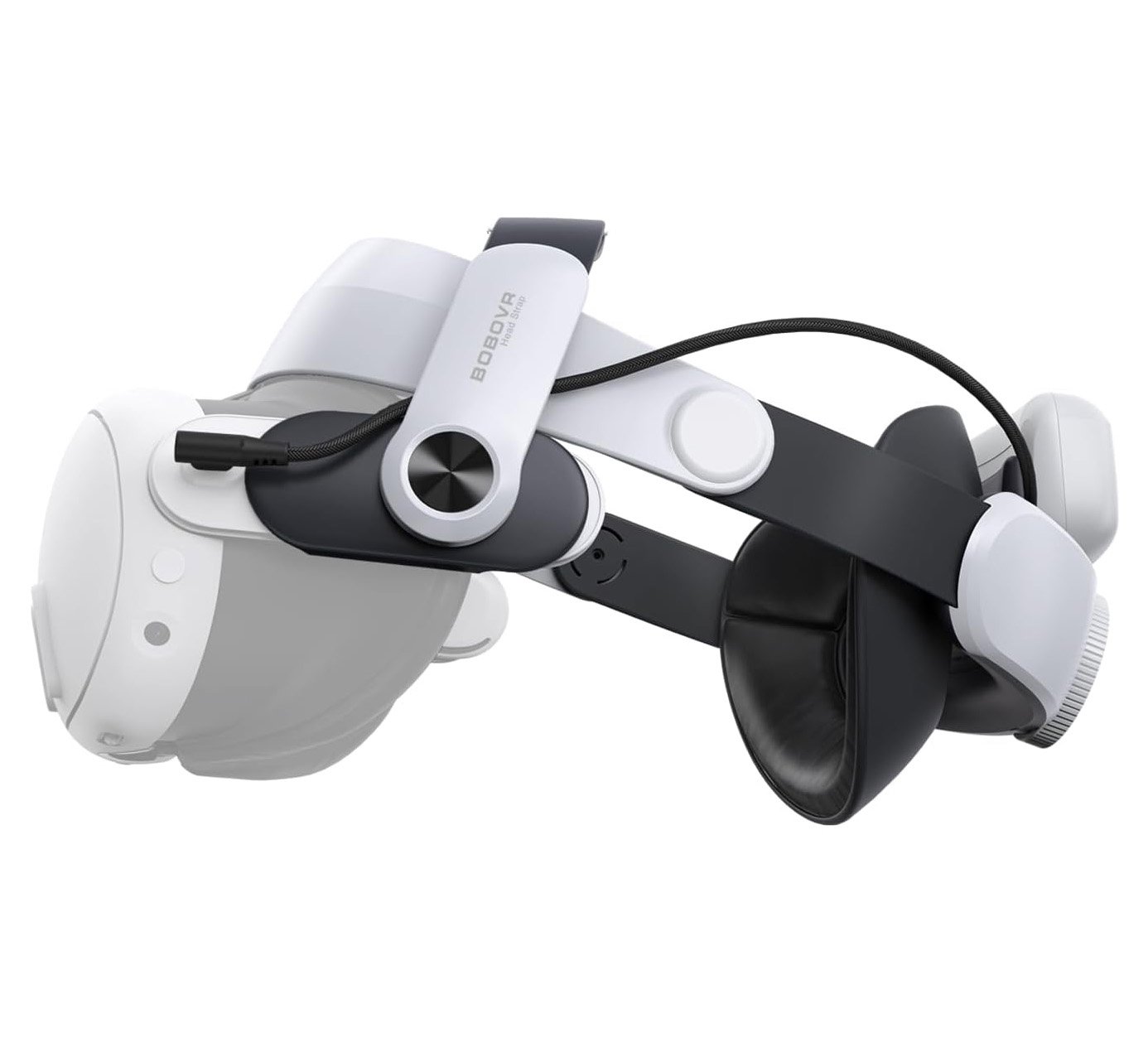
If you are looking for recommendations, I suggest trying out head straps from different brands for your Meta Quest 3S. My personal favorite is the BoboVR M3 Pro head strap, which utilizes a halo-style design that forms a ring shape around your forehead and the back of your head.
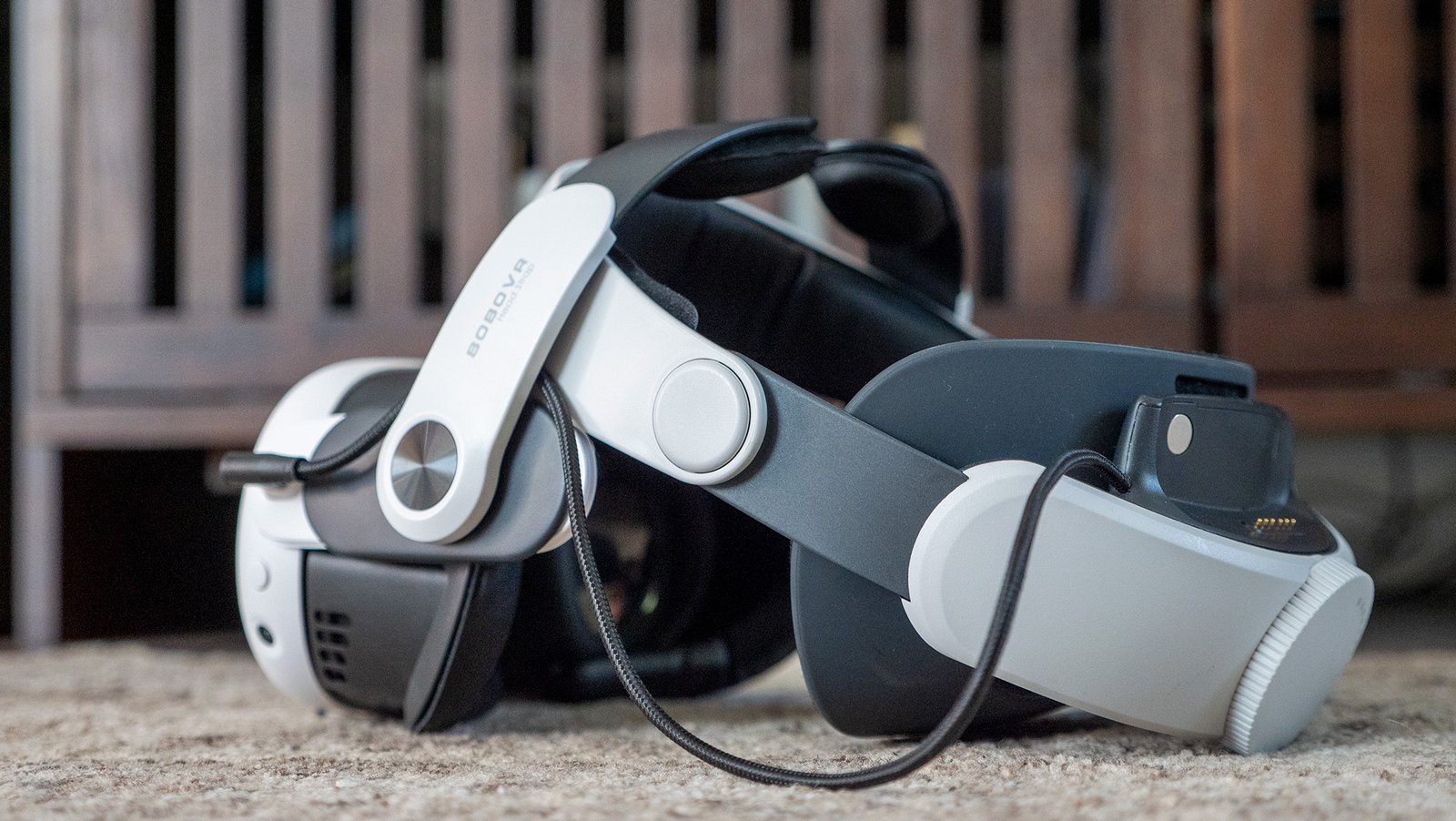
This design helps to distribute the weight away from the face while maintaining a snug fit around the facial interface to block out light. Additionally, this head strap comes with rechargeable, magnetically detachable batteries that attach to the back for better weight distribution and extended playtime for your VR headset.
If you prefer a different style, Kiwi Design’s head straps utilize premium batteries and an elite strap design that cradles the back of your head, distributing the weight evenly across the top. My son finds this design to be the most comfortable, and Kiwi Design’s batteries offer superior safety and double the battery life compared to a standard BoboVR battery.
Regardless of your choice, most alternative head straps for the Meta Quest 3S will provide a more comfortable and hygienic experience compared to the stock cloth strap. Both head straps I mentioned come with batteries that extend the battery life of your Meta Quest 3S and are easy to clean, allowing you to share the headset confidently with others during the holiday season.
Upgrade your experience
Enhance your Meta Quest 3S with the most comfortable head strap available and increase your playtime with BoboVR’s rechargeable, magnetically swappable battery packs.
This article was first published at Source link . You can check them out for other stuffs